
How to track AI referral traffic in GA4 and Search Console
Updated: Sep 3
AI assistants now send identifiable referral traffic to websites, and Google has added dedicated reporting for it in GA4. This guide shows you how to find those visits, compare their performance with organic search and improve the pages they land on.
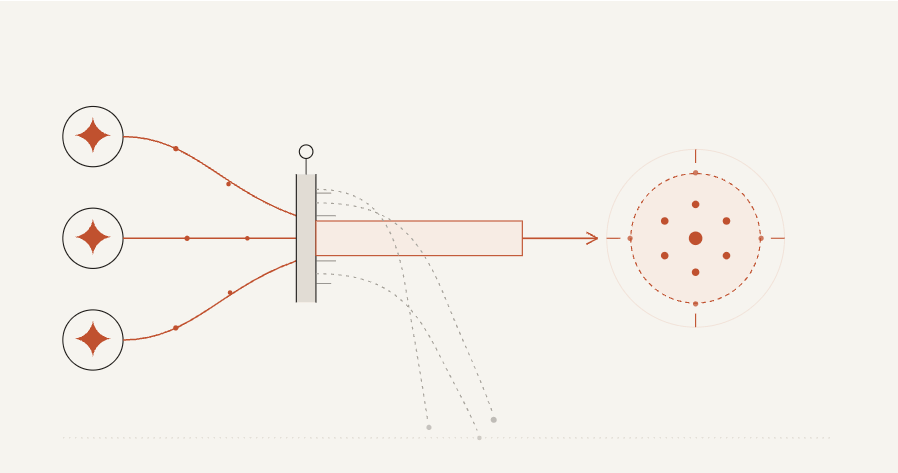
How to find AI referral traffic in GA4
In GA4, open Reports > Acquisition > Traffic acquisition and use Session default channel group as the primary dimension. Look for the AI Assistant row. Google introduced this default channel in May 2026 for visits from recognised assistants such as ChatGPT, Gemini and Claude.
Open the row or add Session source as a secondary dimension to see which assistant sent the visit. The channel only includes visits with a recognised referrer, so some AI-influenced journeys will remain unattributed. Do not treat unexplained Direct traffic as confirmed AI traffic.
Use GA4 and Search Console for different parts of the journey:
GA4 measures identifiable visits from recognised AI assistants and the actions those visitors take on your site.
Search Console’s Generative AI performance report shows impressions and pages from Google AI Overviews, AI Mode and generative features in Discover.
Together, the two reports separate measurable AI referrals from visibility inside Google’s AI features.
How to measure AI referral traffic
Compare the AI Assistant channel with Organic Search over the same period. Track sessions, engagement rate, key event rate and revenue or qualified enquiries. Add Landing page as a dimension to see which pages receive AI referrals and what visitors do next.
AI-referred visitors may arrive with more context than search visitors, but performance varies by site and audience. Calculate your own conversion rate instead of applying a broad industry multiplier: AI-referred conversions divided by AI-referred sessions.
For a deeper look at this behaviour, see our guide to whether AI search traffic converts.
How to improve AI referral landing pages
A visitor arriving from an AI assistant has already seen a description of your business. The landing page should confirm who the offer is for, how pricing works and what the visitor should do next.
Review the pages receiving AI Assistant traffic one at a time. Compare each page with the descriptions and recommendations shown by the assistants that sent the visits.
Ask these questions about each high-value landing page:
Does the page confirm the positioning and pricing the visitor is likely to have seen?
Is the next action visible in the first screen?
Can someone without prior brand knowledge understand what to do next?
Any mismatch creates friction while the visitor is deciding whether to trust the recommendation.
What to check first
Start with the AI Assistant channel in GA4 and identify the landing pages receiving visits. Compare their key event rate with Organic Search, then review the highest-value pages against the recommendation a buyer is likely to have seen. In Search Console, check the Generative AI performance report for Google AI Overview and AI Mode visibility.
If you want a clearer read on where you currently stand, our AI Visibility Scan shows whether you're being recommended and where the handoff to your site is breaking down. For a fuller picture of the commercial upside, our ROI calculator estimates what closing that gap could be worth. If the landing page work itself needs doing, that's what our AI Readiness and Buyer Journey Audit is built for.
Frequently asked questions
How do I find AI referral traffic in GA4?
Go to Reports > Acquisition > Traffic acquisition and look for AI Assistant under Session default channel group. This channel captures visits with recognised referrals from assistants such as ChatGPT, Gemini and Claude. Use Search Console’s Generative AI performance report for Google AI Overview and AI Mode visibility.
What should I measure for AI referral traffic?
Compare the AI Assistant channel with Organic Search over the same period. Track sessions, engagement rate, key event rate, qualified enquiries and revenue where available. Then break the results down by landing page and source.
Why might AI referral traffic fail to convert?
The landing page may not match the description or recommendation the visitor saw. Conflicting pricing, positioning or next steps can reduce trust at the point of decision.
How are AI visibility and AI referral traffic different?
AI visibility measures whether an assistant mentions or recommends your business. AI referral traffic counts people who click through. Conversion measures what those visitors do on your site.
Which landing pages should I review first?
Start with pages receiving AI Assistant sessions in GA4 and pages appearing in Search Console’s Generative AI report. Prioritise those with low engagement or key event rates, then check whether their positioning, pricing and next step match the AI-generated description.


Comments